
Name-Based Case Searches
The statewide eCourts Portal is the best remote tool for a Guilford County case search. Its guidance lets you look up a party name, nickname, business name, attorney name, bar number, record number, citation number, or case cross-reference number. Numbers beat names here. A full Guilford County case number points to one file. A common name can pull up several. When a name is all you have, search broadly enough to catch the likely match. Then filter with the Guilford County location and case criteria.
- Open the Portal case-search task rather than assuming a payment search will display every Guilford County case.
- Enter the party name or another documented Guilford County identifier. Try a nickname only when it is a meaningful alternate name.
- Set the location to Guilford County when that option is available, then use Guilford County case type, status, or file-date filters only if needed.
- Open the likely Guilford County record and compare its case number, location, parties, status, case events, and hearing information with the court paper.
Those published search fields are documented options, not a fixed Guilford County required-field scheme. The live form decides the current layout.
| Field label | Type | Required | Use in a Guilford search |
|---|---|---|---|
| Smart Search | Text | Unspecified | The cited guide defaults to a case number or party-name search. |
| Location | Dropdown | Optional | Choose Guilford County when the live list exposes it. |
| Party Name | Text | Optional | Use for a name-based route; the guide cautions that advanced party search can narrow results. |
| Case Type and Status | Dropdown | Optional | Advanced criteria; use only after a broad search returns too many possible records. |
| File Date Start and End | Date | Optional | Helpful for narrowing a long result list without guessing a case number. |
Guilford County Case Search Location
Location matters more than you might think. Guilford County runs courthouse divisions in Greensboro and High Point, but both sit inside one unified Clerk of Superior Court record system. Set the Portal location to Guilford County first. That keeps a county case from getting tangled with a similar name elsewhere in North Carolina. Once a record appears, check its displayed court location and case type to decide whether a schedule question belongs with Greensboro or High Point. The Judicial Branch gathers current public and elevated-access materials, covering Guilford County searches, registers, hearings, payments, and documents, on its Portal training and resources page.
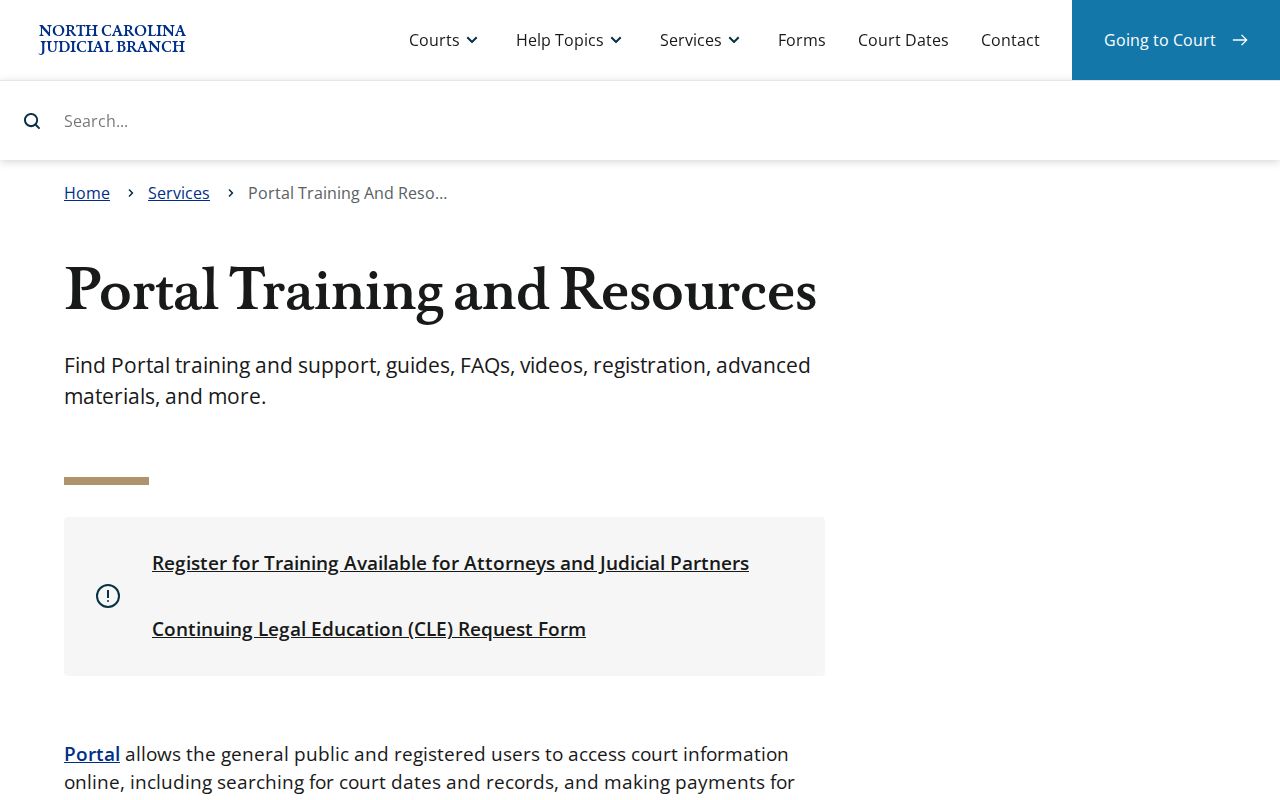
Used well, those resources support a careful location-first Guilford County search. They do not turn a remote result into a certified court record.
Case Number Searches
Type a Guilford County case or record number exactly as it appears. That means matching the citation, notice, order, or earlier result. One character off, and the docket may not appear at all. North Carolina guidance explains the year-and-type cue. The last two digits of the charging year followed by CR mean at least one criminal charge. Meanwhile IF marks an infractions-only case. Forms like 26CR… and 26IF… show the pattern only. They are not complete validated Guilford County case-number formats. A citation number is its own identifier. It is often the best route for a Guilford County traffic or infraction lookup. The Portal handles record and citation searches. Its hearing search accepts a case number too. Keep the punctuation. Never guess at missing digits, and never assume a prefix proves every charge in a case. The live Guilford County record gives the current case type and full event history.
Guilford County Case Search Filters
Working from just a name or number? Smart Search is usually the safer first pass. The official advanced-user material says Smart Search defaults to a case number or party name, while the advanced Party Name search narrows results and allows no wildcards. That difference explains a common surprise. An advanced Guilford County query can return less than a broader Guilford County case search, because it is built to be tighter, not broken.
- Record number
- The court-assigned identifier used to retrieve the case. Portal uses this term in its published search options.
- Case type
- A classification such as criminal, infraction, civil, estate, or special proceeding used to route and filter a record.
- Case status
- A Portal filter describing the procedural state. Read it with the latest event rather than treating it as the whole outcome.
- File date
- The date the clerk received or filed a document. It is not necessarily the hearing date.
Advanced filters can narrow by date-of-birth range, gender, ethnicity, FBI number, or SO number. Those are documented options, though, not sensible starting points for a public case search. Narrow to find the known case, not to gather extra facts about a person.
Guilford County Case Search Types
Portal materials keep two things separate: what you want and what you search with. A Guilford County case search can start from a record number or citation number. Party name, business name, or another documented type works too. A hearing search works differently. It accepts case, party, business, attorney, judicial-officer, or courtroom criteria. Pick the task that matches your question before layering on filters. The payment menu lists Citation Number, Case Number, Party Name, Business Name, and Driver's License options. Those apply to eligible Guilford County transactions. That menu handles money, not records. Anyone hunting a Guilford County court date or case event should take the case or hearing route. Then confirm against the resulting record.
Case Search Results Explained
A search result helps you identify the file and its current court activity. Portal describes its remote material as case information, records, court dates, hearings, and eligible payment functions. Treat what comes back as a case index. It is not automatically a downloadable copy of every filed document, nor an official certification. Does the case need call for more? Then turn to the Clerk of Superior Court. Ask there for an inspection, a plain copy, or a certified copy.
| Case or record number | The identifier used to retrieve the Guilford County file and distinguish it from a similar name result. |
|---|---|
| Location and case type | The county or court location and classification that help route a schedule or clerk inquiry. |
| Parties and attorneys | Searchable party, business, nickname, attorney-name, and attorney-bar information, subject to the live record's access level. |
| Filed date and status | Filters and identifying details that describe the file's procedural path. The latest event gives needed context. |
| Events and settings | Chronological filings or proceedings and available hearing information. Confirm the current setting before acting on it. |
| Documents | Public, nonconfidential, nonsealed documents may be available individually, but the research does not establish universal image availability. |
Guilford County Case Search Records
The Portal's case information is a decent starting point. It can help you find a Guilford County file. It also lets you watch events unfold and spot an upcoming hearing. One caution matters, though. The Portal FAQ does not treat a remote result as the official record. So a Guilford County case search with real needs should end at the Clerk of Superior Court. That covers reviewing the case file itself, getting a copy of a document, or asking for certification.
What you can pull remotely also depends on the record category. The access level the live system allows matters too. A result list, case summary, or event history can point you toward a filing. None of that proves every paper is downloadable from home. For local verification, the dependable route is the Guilford County clerk terminal. The paper files behind the counter remain dependable as well.
Guilford County Case Register Details
Think of a Guilford County docket as the file's timeline. The header tells you which case it is. The party and attorney entries show who plays what role. The event list then walks through filings and proceedings in order, so the whole story reads top to bottom. A disposition or judgment entry may close the story by showing how the matter ended. The Clerk of Superior Court keeps these records by statute. That makes the docket great for chronology, yet it is not always the document itself.
In the live Portal, click an underlined record number. That opens more detailed Guilford County case information. Treat what you see as an index to the official file. Need an order, judgment, citation paper, or other filed item? Find the exact item first, then go through the Guilford County clerk channel. The full request path is laid out in Guilford County court case records.
Note: A final-looking status can mislead. Read it beside the latest case event or judgment entry. A searchable label alone may not explain the actual outcome.
Two Ways to Search: County and State
Guilford County runs no separate public county docket portal of its own. Instead, the eCourts Portal serves as the statewide remote layer. The county-specific layer sits closer to home. The Guilford Clerk of Superior Court's public terminal and filing-county file access help in several situations. Use them when a remote result needs confirmation. They also cover a missing document, or a fuller local search.
| eCourts Portal | Guilford clerk terminal and file |
|---|---|
| Statewide public Search/Pay entry point for case information, dates, hearings, and specified public records. | Filing-county route for criminal, civil, special-proceeding, and estates information, plus paper-file inspection. |
| Best for a remote name, case-number, citation, or hearing search. | Best when a result is incomplete, older, restricted, or requires staff confirmation or a copy. |
| Public document availability depends on the record category and Portal entitlement. | The clerk is the custodian for court-file documents and is the source for certification. |
The two Guilford County channels are built to work together. Search remotely first, then verify with the filing-county clerk whenever the actual court file is what you need.
Guilford County Case Search Result Limits
A missing Guilford County result does not mean no case exists. Plenty of things can hide it. A spelling slip or a nickname can change what shows up. So can the location setting, a case-type or status filter, the age of the case, or an access restriction. So begin with a corrected spelling or the number printed on the court paper. Strip away filters that may be over-narrow. Also confirm the search is aimed at Guilford County.
Still nothing? Contact or visit the clerk office. The Judicial Branch confirms that public self-service terminals give access to criminal, civil, special-proceeding, and estates information. A Guilford County court file can also be inspected in the county where it sits. That local fallback beats repeating a remote query with guesses every time.
Which Cases Stay Restricted
The Portal offers no way around protected material in Guilford County. Juvenile court records are withheld from public inspection under G.S. 7B-3000, save for authorized access or a court order. Sealed, expunged, and other protected material may likewise stay out of a public search. Keep this in mind. A missing remote entry tells you nothing about why it is absent.
Guilford County public records can carry redacted confidential portions. What to do about a restricted result depends on the governing order or statute. It also depends on the type of case. The clerk can point you to the right filing office and court form path. But the clerk cannot give individualized legal advice. Adult expunction has its own statutory eligibility rules and filing process.
Guilford County Case Search Timestamps
Guilford County joined eCourts and Enterprise Justice/Odyssey in the Track 4 rollout on April 29, 2024. Paper documents from before the switch stayed available at the clerk office. That held once the system went live. One quirk of the conversion deserves attention. The Portal FAQ notes that pre-go-live case events were carried over with a 12:00 AM timestamp. That generated time is not the real hour of an older filing or hearing.
Does the timing of a Guilford County historical sequence matter? Then lean on each event's content and date. Verify against the paper file through the clerk. The statewide system finished rolling out in all counties in 2025. But that completion date is not Guilford County's own conversion date.
Guilford County Case Search Beyond eCourts
eCourts Portal covers North Carolina Judicial Branch matters only. A federal case arising in Guilford County travels a separate road through the U.S. District Court for the Middle District of North Carolina and that court's own record systems. Do not expect it to surface in a Guilford County state-court case search. Federal filing information belongs to the court's own services and docket-access channels. The Middle District's CM/ECF information page documents the separate federal electronic filing system that handles those cases.
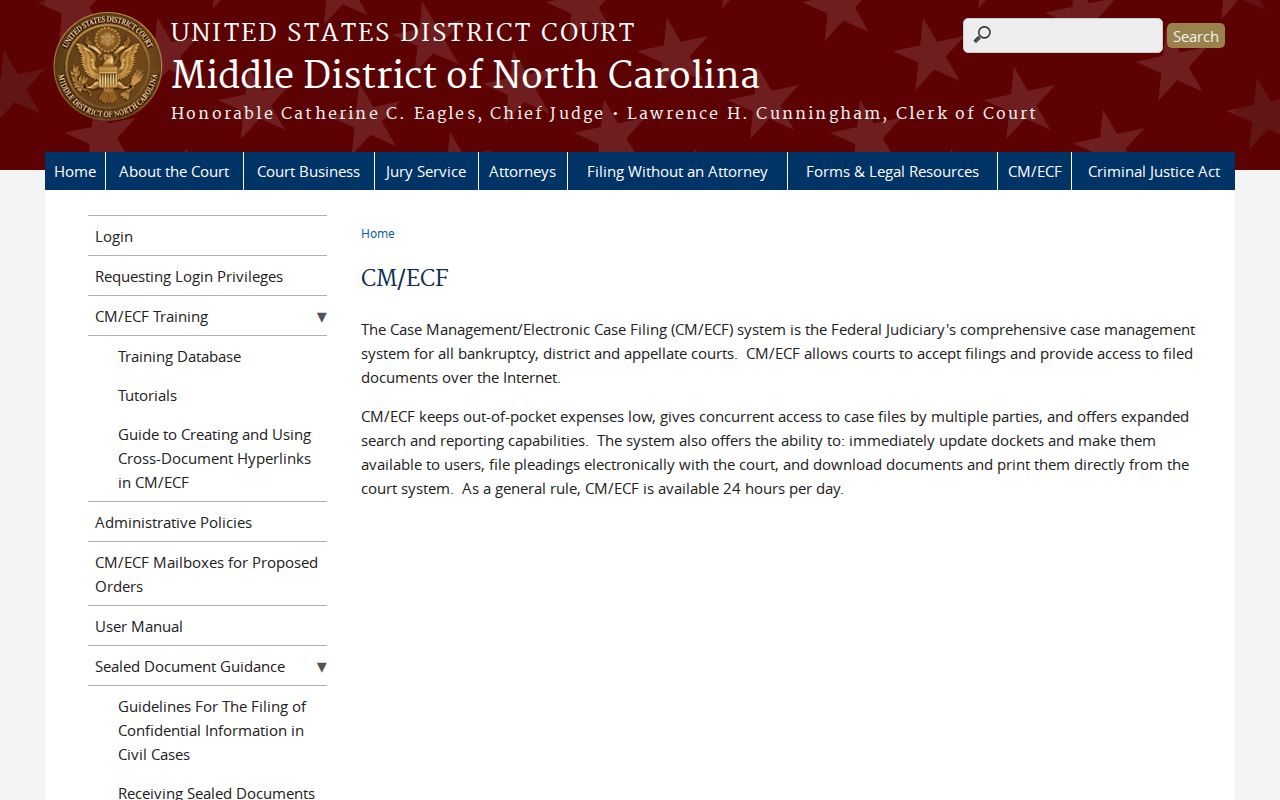
Keeping the state and federal systems apart saves confusion. It stops a failed Portal search from being mistaken for an all-court search of Guilford County. The North Carolina File & Serve entry point is likewise just a filing service, not a stand-in for the Guilford County Portal case-search task.
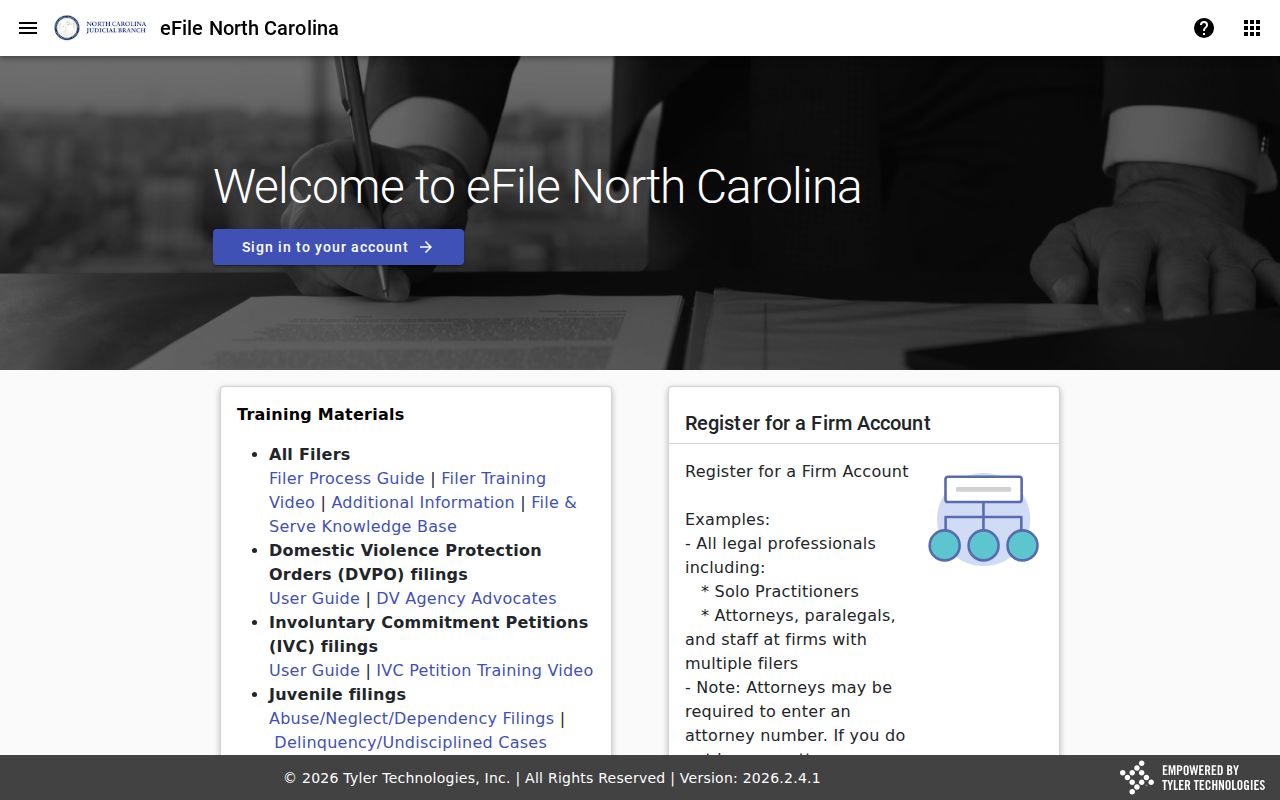
That distinction keeps a Guilford County docket search pointed where it should be. The public Guilford County case-information channel remains the right focus.